






We understand how crucial it is for property owners to have easy access to their income statements. Our property management company utilizes a comprehensive property management software, to ensure you can conveniently view, print, and share your rent statements. You can log into your owner portal, navigate to the “Reports” section, and select the desired income statement. From there, you have the option to view the report online, download it as a PDF, or print it directly. This system streamlines your ability to stay informed about your property’s financial performance, making it easier than ever to manage your investments efficiently. If you need detailed instructions on generating and sharing reports, please don’t hesitate to reach out to your property manager
Income Statement
To check a detailed breakdown of income and expenses by month, log into your owner portal and go to Reports > Income Statement. You can select a custom time period and generate the report, which will provide a detailed view of your property’s financial performance, similar to the example below.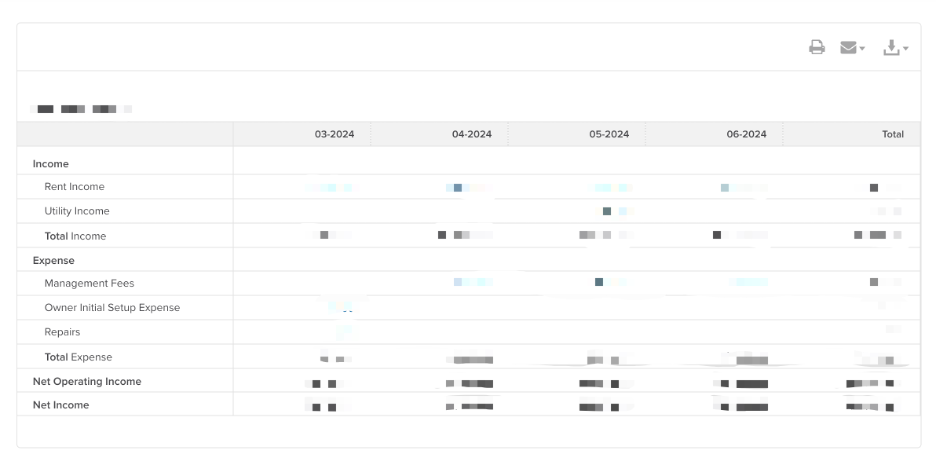
Rental Owner Statement
To view a summary of your rental income/expenses or examine transaction details, navigate to Reports > Rental Owner Statement in your owner portal. From there, you can choose a time period and toggle options to include or exclude transaction details or income statements. The resulting report will give a comprehensive overview, as shown in the example.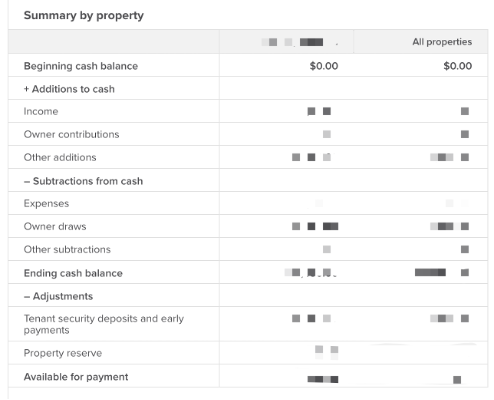
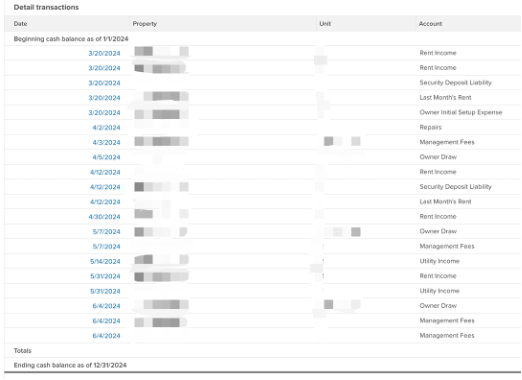
Download or Share the Report
Once you’ve generated the report, you can easily download, print, or share it by clicking the option in the top right corner of the screen. This provides you with flexibility to manage your financial documents in a way that best suits your needs.